


Introduction
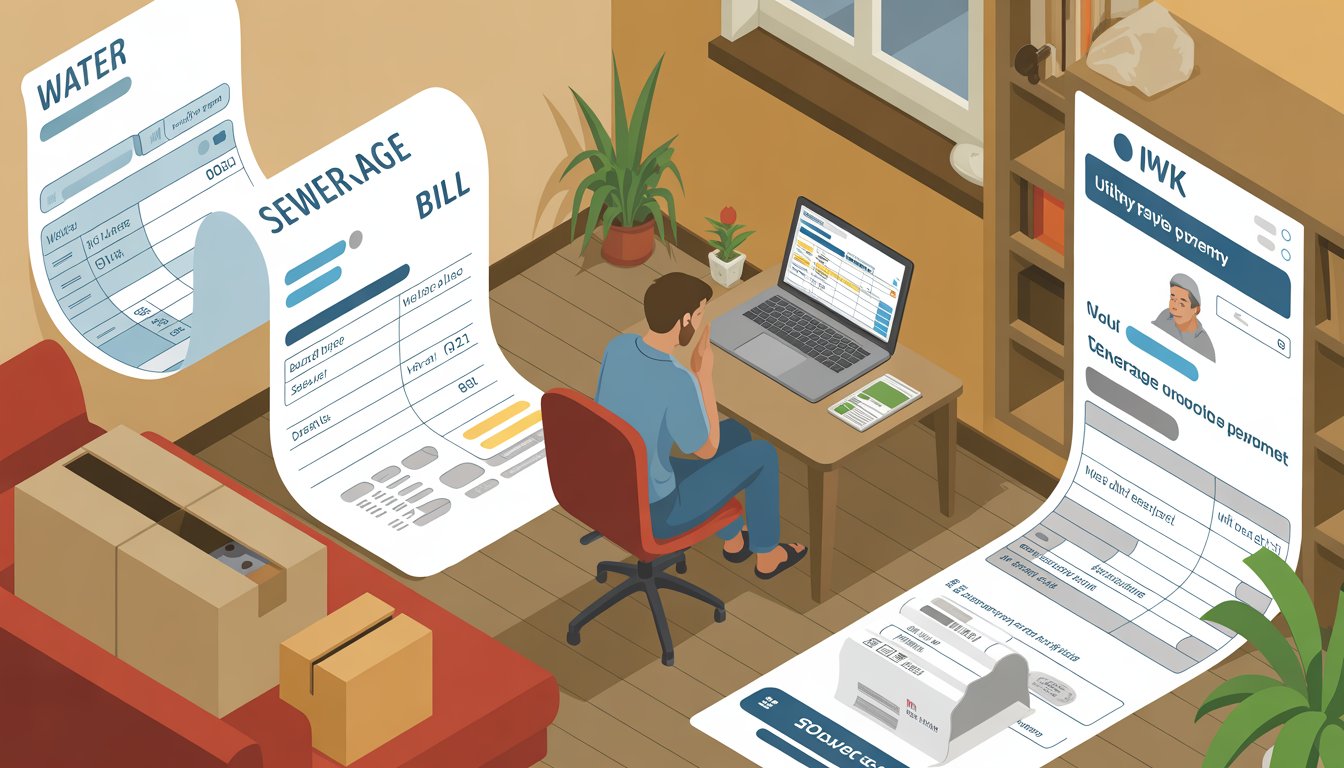
You moved into a new place, opened your first utility files, and realized the sewerage bill arrives separately from water. This case study follows the practical steps you can take to understand IWK payment end to end—what it is, how to find your account, how to view your bill, and how to pay without hassle. As of 2025, your options include the official app, a browser-based portal, and banking channels, each with trade-offs. To get started quickly, you can complete iwk payment using the channel that best fits your device and schedule.
About This App
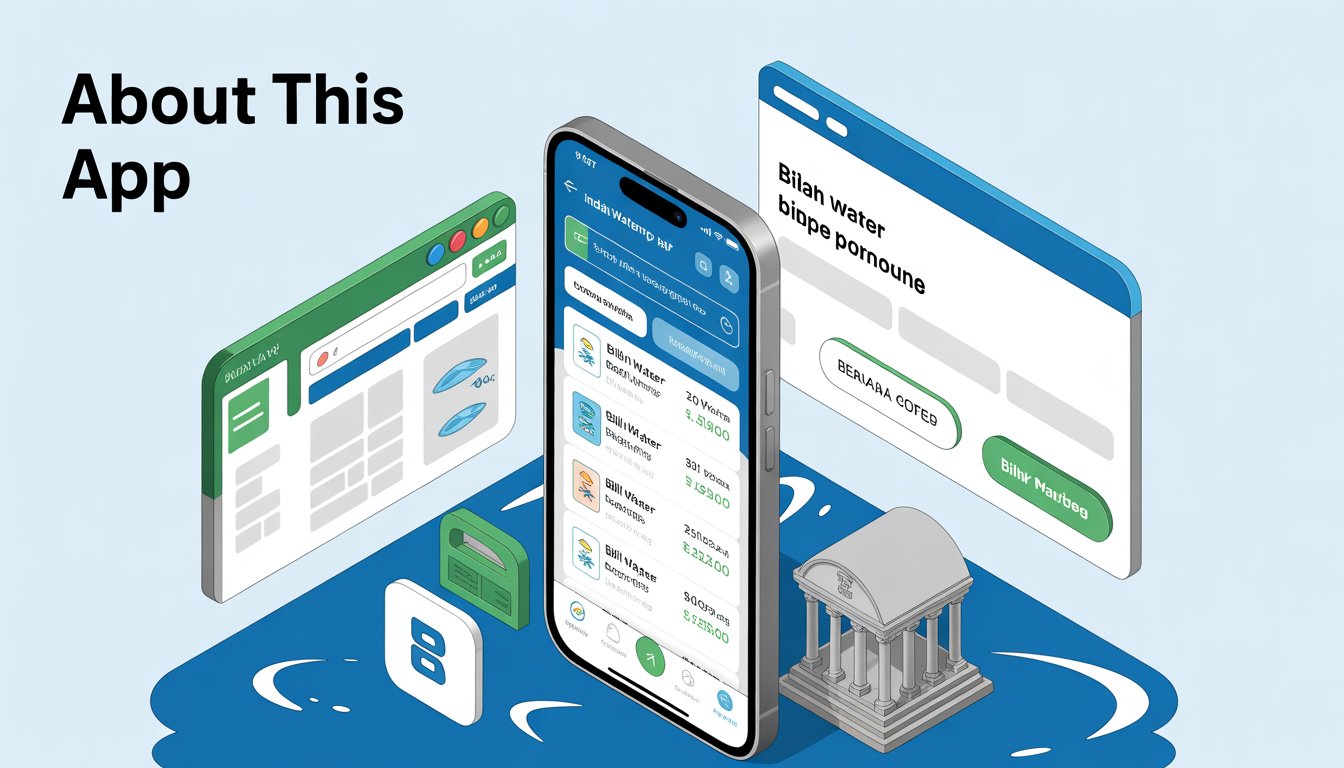
The official Indah Water app aims to make bill management easy on mobile. In this case study, you’ll see how it fits alongside browser and bank options, so you can pick what’s reliable for your situation. Whether you’re handling a single property or multiple, the app streamlines the process of checking and paying your Indah Water bill directly from your smartphone.
App Support and Features
The app typically supports viewing account details, current and past invoices, and in-app payment. You can expect features like digital receipts, bill reminders, and the ability to manage more than one property. Support channels usually include in-app help, email, and a hotline, but response times can vary during peak billing periods. If the app becomes unstable after a system or OS update, the browser portal often serves as a straightforward fallback with similar capabilities. Additionally, users appreciate the push notifications that alert them to upcoming due dates, helping to avoid late fees associated with outstanding Indah Water bills.
Indah Water Bill Checking and Payment
IWK payment refers to paying your sewerage service charges to Indah Water Konsortium in Malaysia. Before paying, confirm your correct account number and bill details to avoid misapplied transactions and to ensure your property’s records stay current. This section explores the essential steps for checking your Indah Water account, viewing bill details, handling outstanding balances, and making payments efficiently.
How to Check Indah Water Account Number?
Your account number appears on the printed bill, SMS or email notices from Indah Water, and on the app or browser portal once you log in. If you have just moved in, your property manager, developer, or previous owner may also share the account reference. You can call customer support to retrieve the number after verifying your identity and address. Keeping a photo or note of the account number in your phone helps prevent typos during payment, especially when you pay through third-party banking apps. This simple step ensures smooth IWK payment transactions and keeps your sewerage services uninterrupted.
How to Check Indah Water Bill Details?
When you open your bill—either in the app or browser—you should see the billing period, charges, any arrears, due date, and payment reference. Look for a breakdown showing the service fee and adjustments, if any, along with your service address. Cross-check the account holder name and premise address to ensure you’re paying for the correct property. If something seems off, contact support before paying to avoid settling the wrong account. Regularly reviewing these details can help you spot any discrepancies early and maintain accurate records for your Indah Water bill.
What Happens If My Indah Water Has an Outstanding Bill?
Outstanding bills typically trigger reminder notices and may accrue late reminders or collection follow-ups. Extended non-payment can lead to additional administrative actions and recovery processes that are inconvenient to resolve. If you discover arrears, it’s best to settle them first; then set reminders or enable an automated option to keep your account current. When in doubt, ask support to confirm the total due so your next payment fully clears the balance. Addressing outstanding Indah Water bills promptly can prevent service disruptions and additional costs down the line.
How Can I Pay My Indah Water Bill?
You have several reliable channels for making your IWK payment: the official app, a browser-based portal, online banking via FPX or your bank’s app, and selected counters or kiosks. The right choice depends on whether you need instant proof, prefer a bigger screen, or want a recurring setup. For instance, the official mobile app offers near-instant processing with typically no fees from IWK, providing a digital receipt right in the app, which is ideal for on-the-go, quick one-off payments. In contrast, the browser portal also processes payments near-instantly without extra fees, allowing easy download or printing of receipts, making it suitable for those who value a clear view and better record-keeping. Bank apps or FPX provide near-instant to same-day processing, though bank terms may apply for fees, and they offer bank e-receipts, which work well for paying with saved beneficiaries. Finally, counters or kiosks deliver instant processing at the location with varying fees and printed receipts, best for cash payments. If you often miss due dates, compare the app’s reminders with your bank’s scheduled payments to see which is more dependable for you. For annual tax or audit needs, the browser portal’s printable receipts can be easier to archive. If a payment fails, check that the account number and amount are correct, then try another channel to avoid duplicate charges. By choosing the appropriate method, you can ensure your Indah Water online payment is handled efficiently and securely.
Indah Water Konsortium Sdn. Bhd.
Indah Water Konsortium (IWK) is Malaysia’s national sewerage company. Understanding how it operates helps you interpret bills, manage multiple premises, and know where to escalate when you need support. This section delves into aspects of their app and services, including design features, usability concerns, and practical tips for users.
Designed for iPhone
The app is designed for iPhone and typically supports modern screen sizes, biometric login, and push notifications. As of 2025, most users can sign in, check balances, and pay within a few taps. If you prefer large screens or need to download multiple receipts at once, the browser portal offers a more ergonomic layout for batch tasks. This iOS optimization ensures a seamless experience for Apple users managing their IWK payment on the go. Overall, the design prioritizes convenience, making it easier to handle Malaysia utility payments from your mobile device.
Needs Major Overhaul in Usability and User Experience Design
Common friction points users report in utility apps include unclear error messages, slow loading on older devices, and limited export options for receipts. Navigation labels and status updates sometimes feel too technical, which can make it hard to confirm whether a payment went through. A refreshed information architecture, clearer success states, and one-tap receipt export would improve day-to-day bill management. Addressing these issues could significantly enhance the overall user satisfaction with the Indah Water app. Until improvements are made, users can rely on alternative channels like the browser portal for a smoother experience.
App is Not Working on iOS 18.4
If you’ve updated to iOS 18.4 and the app fails to launch or crashes at login, try reinstalling, re-enabling notifications, and ensuring device date/time is set automatically. If the issue persists, switch to the browser portal and complete payment there to avoid missing your due date. When the app is updated, sign back in, verify your balance, and store your latest receipts to keep your records aligned. This troubleshooting approach helps minimize disruptions to your IWK payment routine. In the meantime, keeping the app updated ensures compatibility with the latest iOS versions.
Good Enough But Can Be Better
For routine one-off bills, the app can be perfectly fine, especially when notifications and Face ID shorten the steps. However, a better receipt archive, clearer bill history, and faster startup times would elevate the experience. Until then, you can combine app convenience with browser reliability for the best of both worlds. This hybrid approach allows users to leverage the strengths of each platform for managing their Indah Water bill effectively. Ultimately, while the app meets basic needs, enhancements could make it a top choice for Malaysia utility payment.
Data Security
Because you handle personal and property information, it’s wise to review how your data may be used and protected. Utility apps typically follow national regulations and industry practices, but you should still practice good hygiene: use strong passwords, enable biometrics, and keep your OS up to date. This section covers the types of data linked to you and those that are not, helping you understand privacy aspects when making an IWK payment.
Data Linked to You
Data that may be linked to you can include account holder name, service address, contact details, and payment references. These are necessary to identify your premises and reconcile transactions. Minimize exposure by avoiding shared devices for payment and logging out on public or borrowed phones. If you change numbers or emails, update them promptly to keep recovery options available. Protecting this information ensures secure handling of your Indah Water online payment and personal details.
Data Not Linked to You
Some analytics and performance data may be collected in a way that isn’t directly linked to your identity, such as crash logs or aggregate usage patterns. This helps developers prioritize fixes without exposing your personal details. You can usually limit diagnostics sharing in your device settings if you prefer, though it may make troubleshooting slower when issues arise. Such anonymized data contributes to improving the app’s stability for all users. Overall, this approach balances service enhancement with user privacy.
Frequently Asked Questions
Navigating IWK payment can raise several questions, especially for new users or those encountering issues with bills and apps. Below, we’ve compiled answers to some of the most common inquiries to help you manage your Indah Water bill more effectively. These FAQs cover key topics like payment differences, processing times, and automation options.
What is IWK payment and is it different from the water bill?
IWK payment covers sewerage services managed by Indah Water Konsortium, while water supply is billed by your state water operator. They are separate bills. You should pay both to keep services uninterrupted and your records current. Understanding this distinction helps avoid confusion when handling Malaysia utility payments.
How long does it take for my payment to reflect?
Payments made via the official app or browser portal usually reflect near-instantly. Bank and FPX payments may take from near-instant to same day, depending on your bank. Keep the receipt or reference number until you see the updated balance. This timeline ensures you can track your Indah Water bill status accurately.
Can I set up automatic payments?
Options vary by channel. Some banks allow scheduled payments or standing instructions, and you can pair that with app reminders for extra assurance. Test your setup one cycle in advance and verify the receipt appears correctly in your bill history. Automating your IWK payment can prevent late fees and simplify monthly management.







Leave a Reply